Introduction to Looka
Looka is a tool for designing logos based on artificial intelligence technology. Users can choose different styles, colors, and contents to generate a series of logos for free.
Looka is free to use, but users need to pay for some modifications and downloads. The generated logo can be used in many aspects, such as postcard design, website design, and advertising design.
How to Use Looka
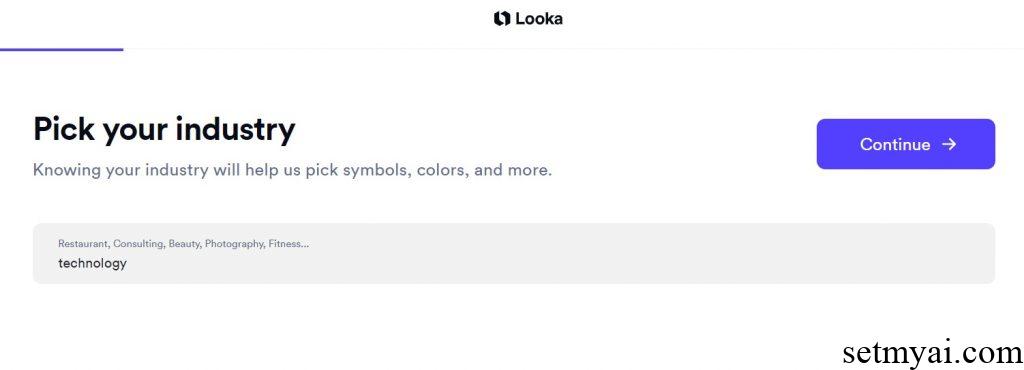
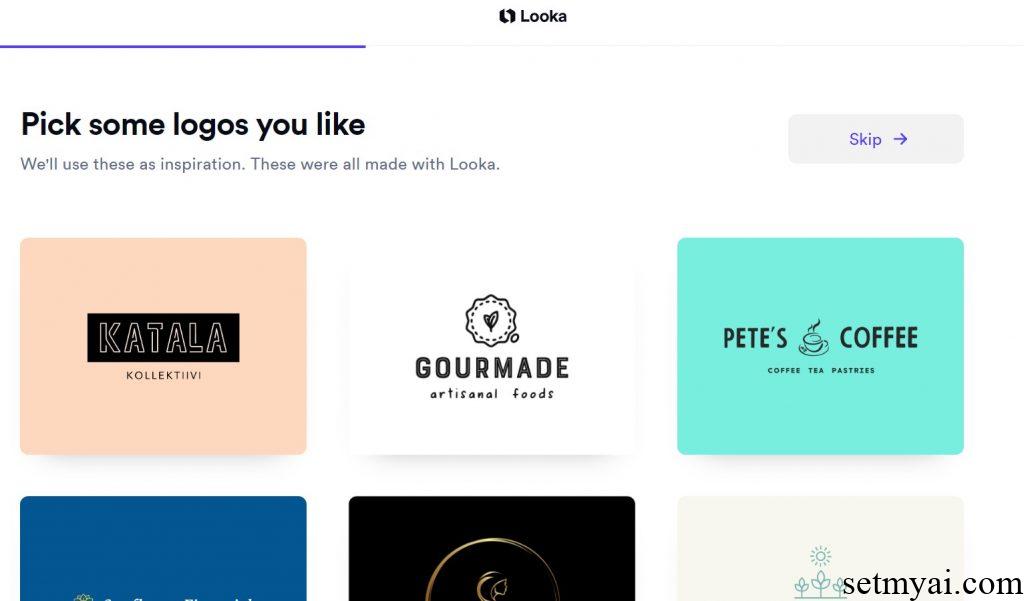
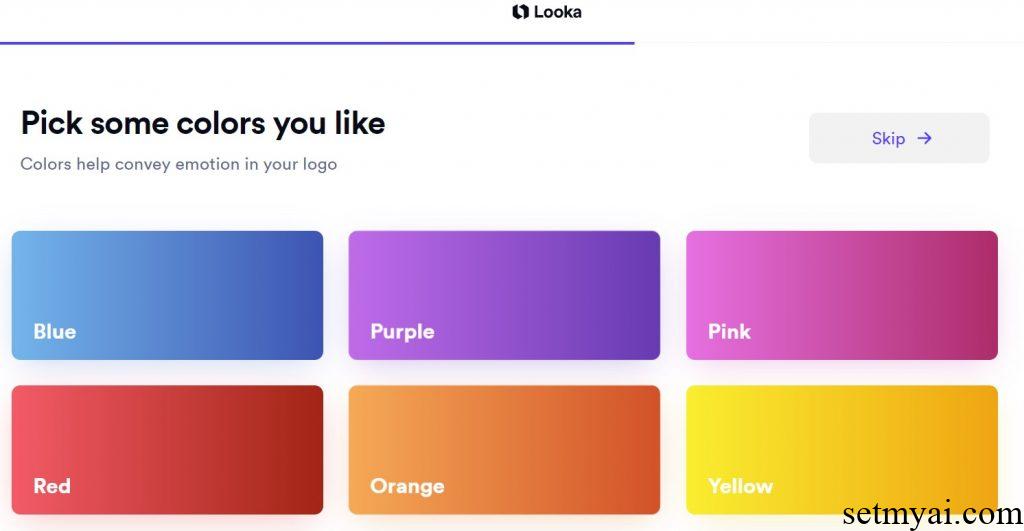
We use Looka to design the logo related to our website (SetmyAI). We need to select the industry (Technology) we belong to and select some favorite logo styles. Then we need to choose the color of the logo (Blue). These choices can help Looka use AI technology to screen some design directions that we may be interested in.
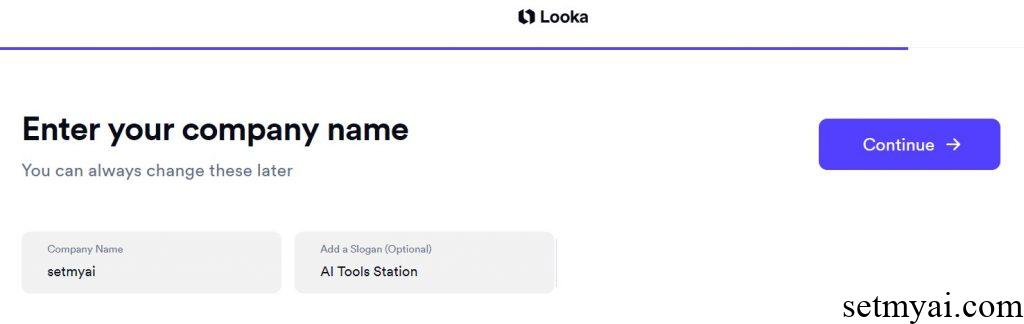
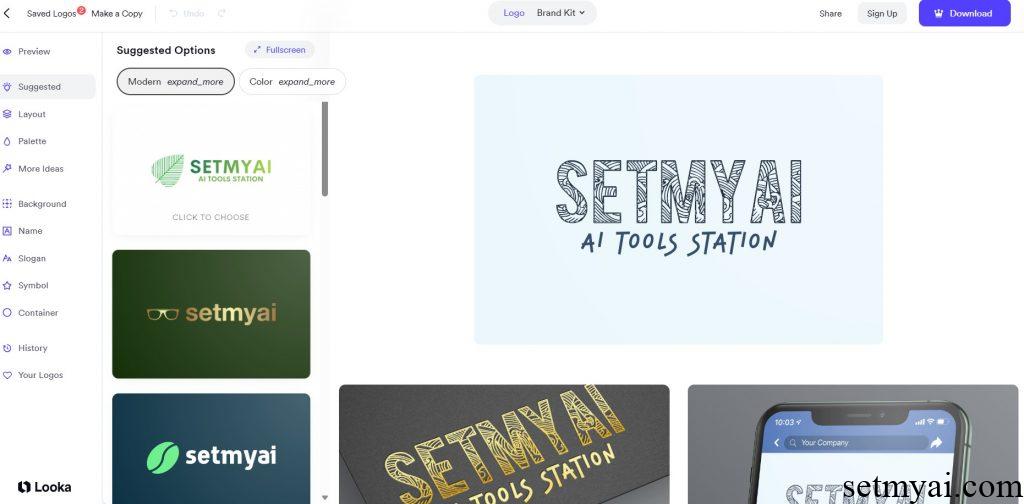
After completing the basic settings, we enter the name of the Logo and Slogan. Looka generates many different categories of logos for us, and each logo can be subsequently edited. In the editing interface, we can adjust the position of the element, as well as other characteristics such as size, shape, color, etc., until we find a satisfactory result.
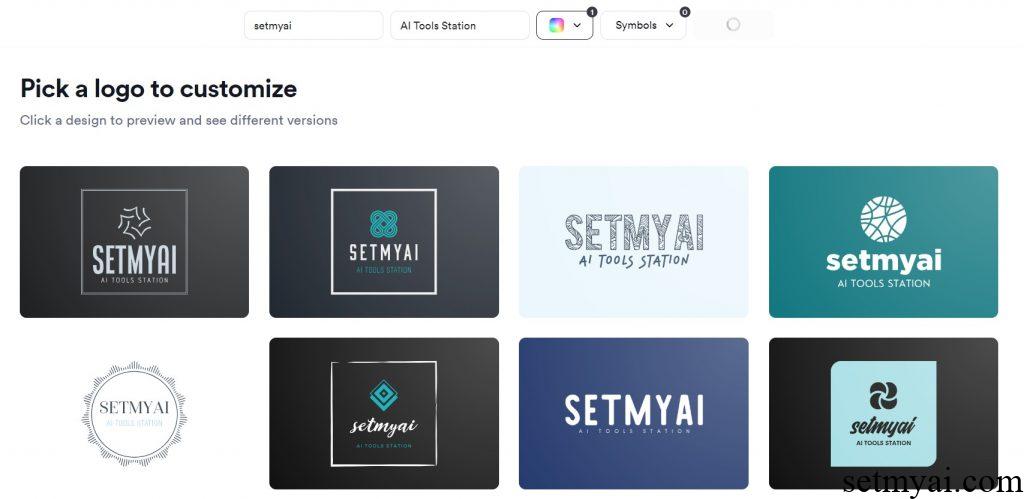
Looka can provide a variety of logos and provides a preview interface so that we can see how the logo is used in different circumstances. After purchasing, we have the ownership of it.
Summary
Looka uses AI technology to make it very easy to operate and includes simulations of multiple usage scenarios and detailed editing modes, providing users with high-quality choices. We recommend you use it when considering a logo for your brand.
Website: