Introduction to AutoDraw
AutoDraw is a drawing tool based on machine learning. It can guess what the user draws and quickly generate corresponding works to complete drawings more easily and quickly.
AutoDraw belongs to Google Creative Lab and is free to use. Since 2017, it has undergone multiple technical updates and can currently guess hundreds of painting contents. AutoDraw can also be used on multiple terminals such as mobile phones and computers, providing users with intelligent drawing assistance at any time.
How to Use AutoDraw
After accessing the website, we can start creating directly. We select AutoDraw on the left and draw a flower.
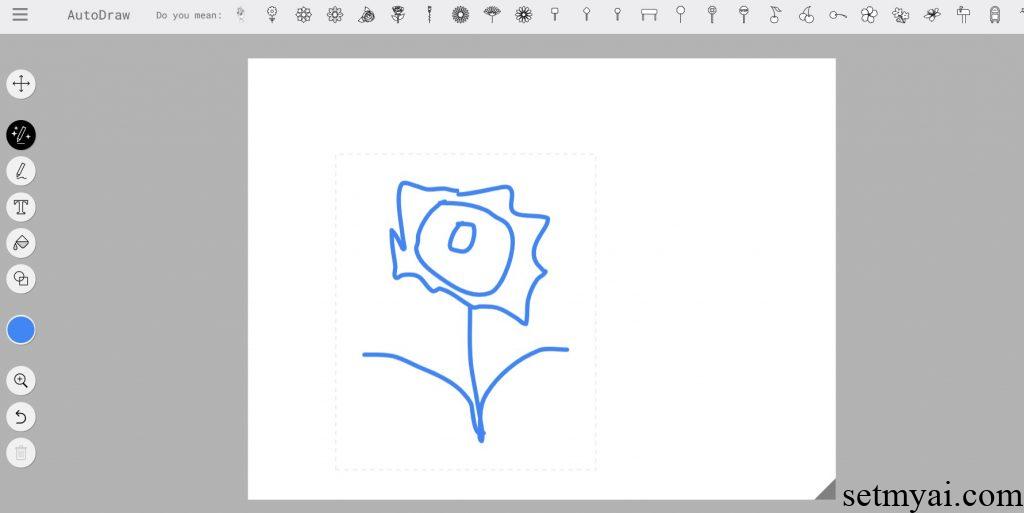
AutoDraw lists some associations related to painting (although we did not tell it that we want to draw a flower). The first associations are directly related to flowers, and the later contents have a weaker relationship with flowers. We can select one of the previous pictures and change the flower we drew to the flower drawn by AutoDraw.
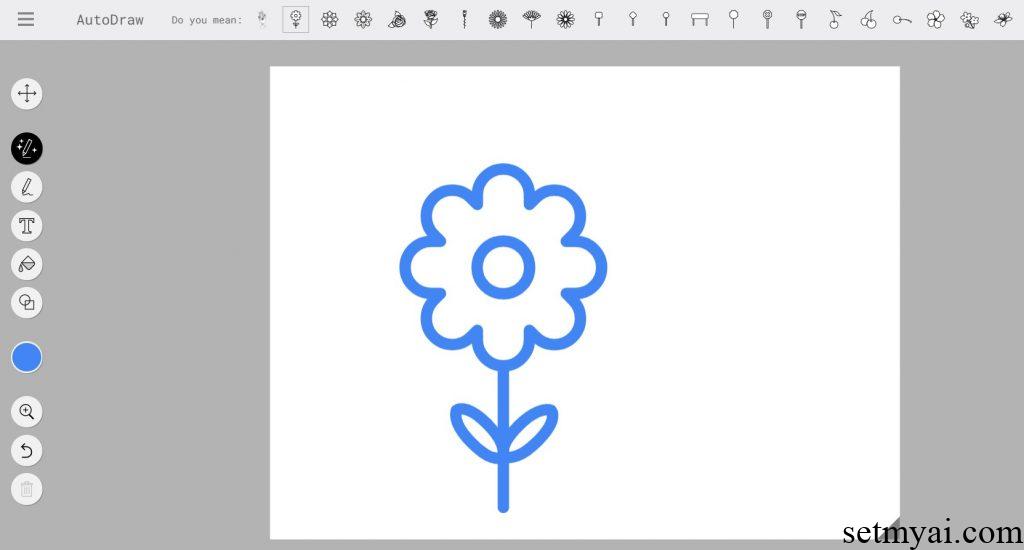
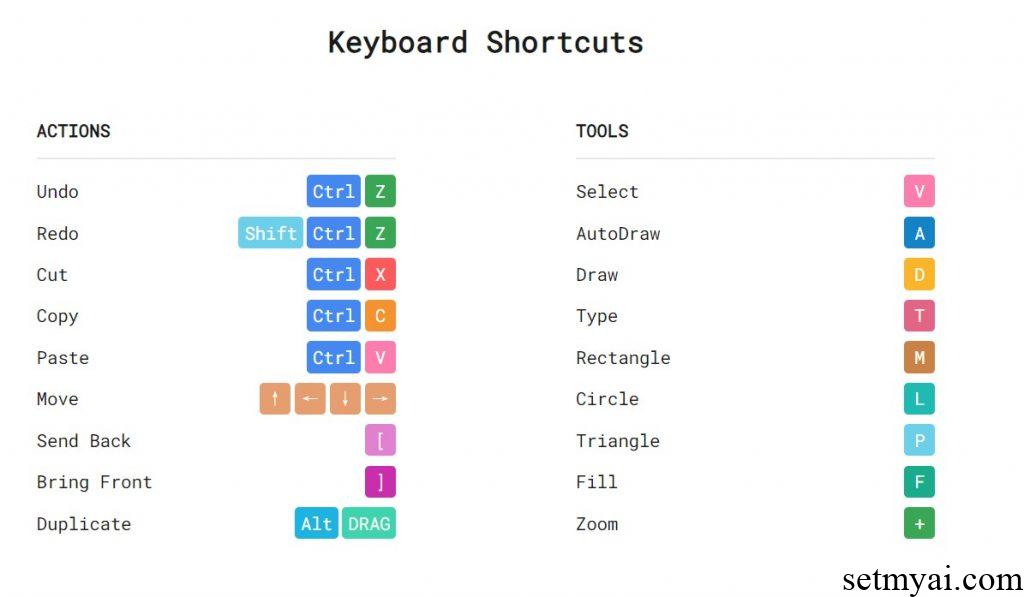
In addition to simple lines, we can also add text, backgrounds, and some simple shapes. After the painting is completed, we can also share the link, or save the image for download. AutoDraw also provides some shortcut keys for users to use.
Summary
As a drawing tool based on artificial intelligence, AutoDraw provides users with a convenient drawing experience.
Reference: