Introduction to ChatExcel
ChatExcel is an AI tool based on interactive NLP. Users do not need to memorize functions and formulas. They only need to send operations in the input box, and ChatExcel can automatically process and fetch the results.
Currently, ChatExcel can be used for free, and some data demos are provided for users to test. Users can also upload their own Excel documents and save the results.
How to Use ChatExcel
We upload an Excel document to test the data processing function of ChatExcel.
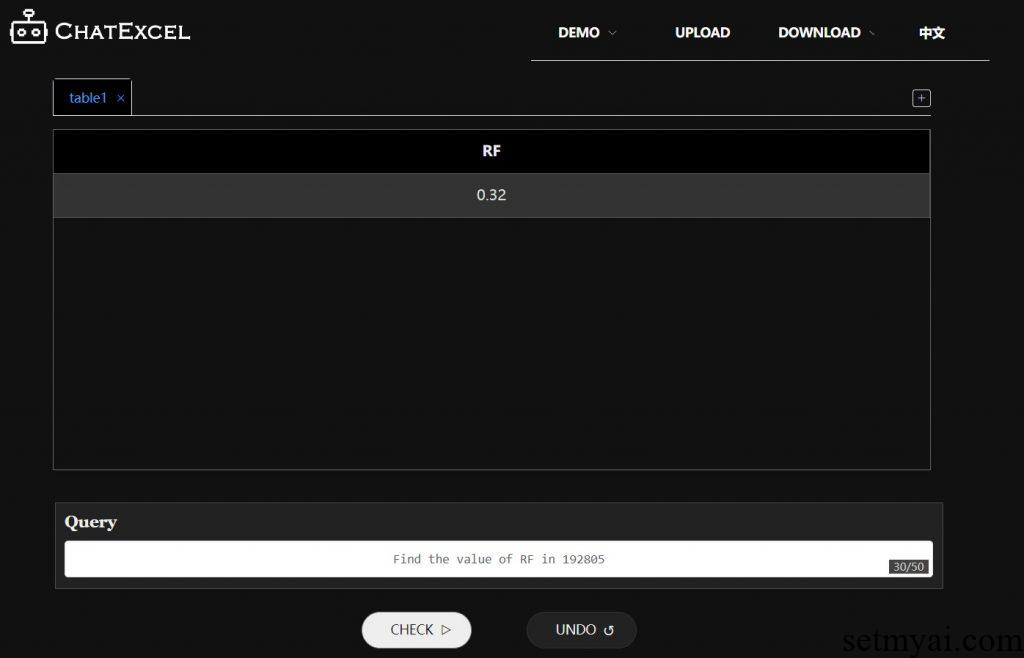
Find data: Find the value of RF in 192805. ChatExcel correctly displays the values we need.
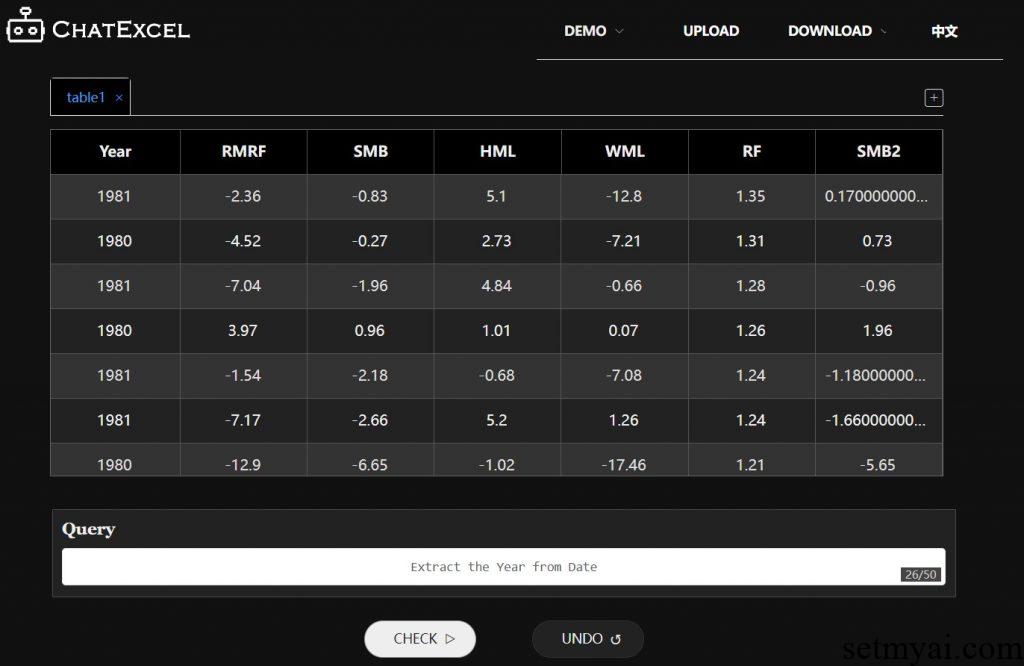
Extract data: Extract Year from Date. ChatExcel creates a new column, named Year, and extracts the year from the date.
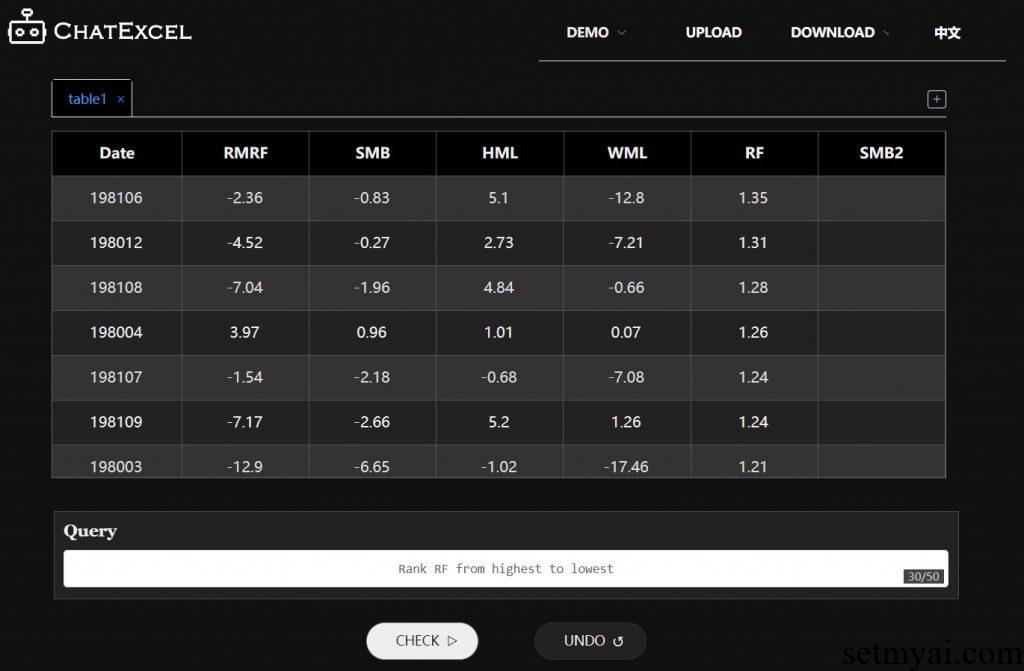
Data sorting: Rank RF from highest to lowest. ChatExcel sorts the RFs from large to small.
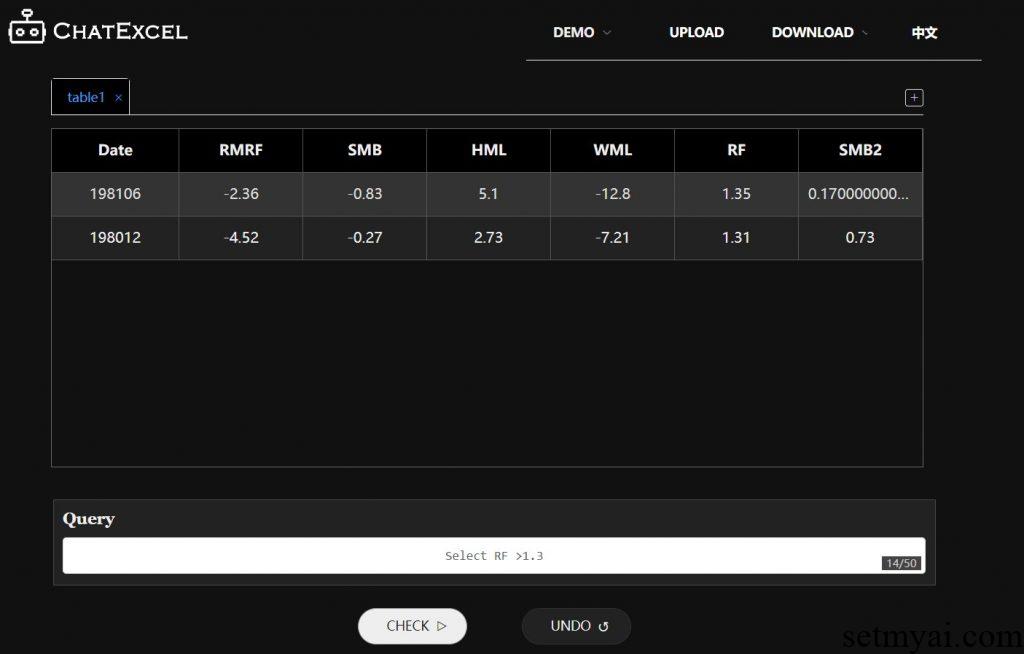
Filter data: Select RF > 1.3. ChatExcel only displays data with RF greater than 1.3.
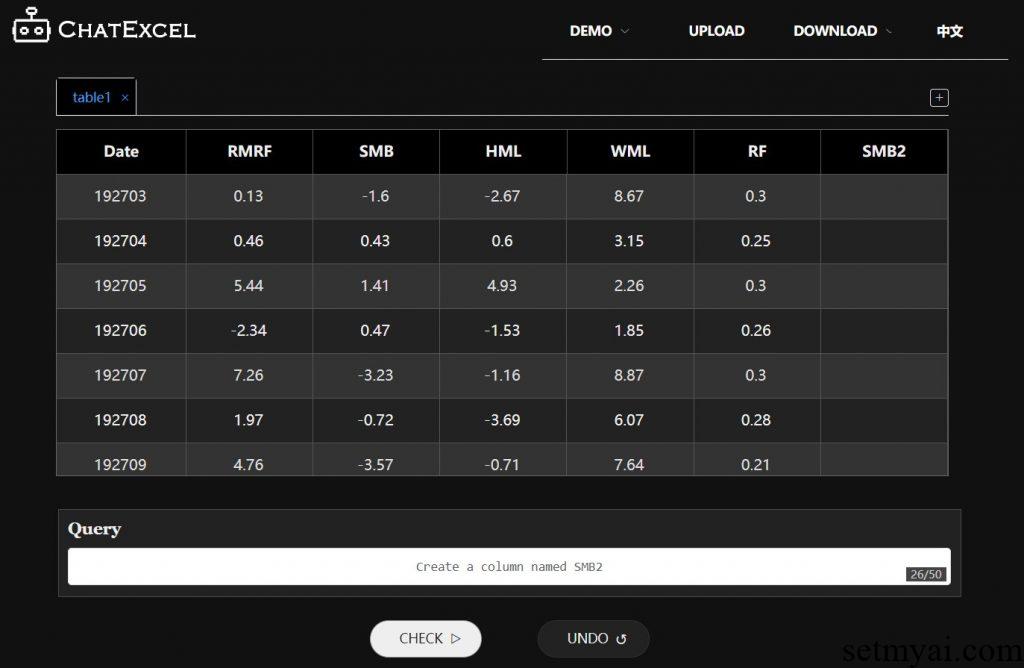
Add data: Create a column named SMB2. ChatExcel adds a new column at the end of the table, named SMB2.
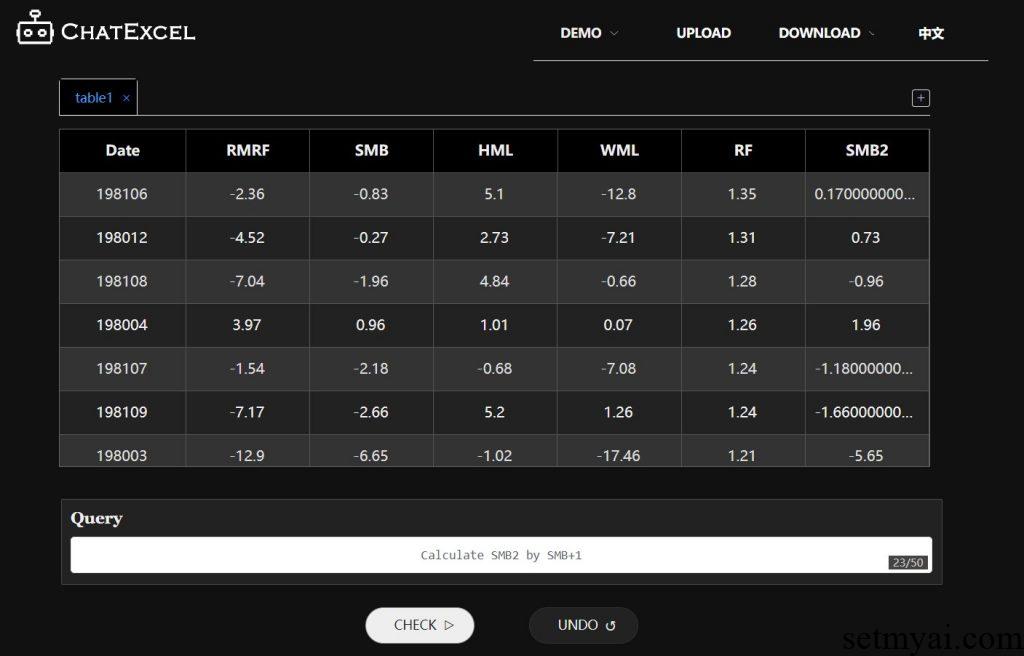
Data calculation: Calculate SMB2 by SMB+1. ChatExcel correctly calculates SMB2 values.
After we get the results, we can click Download on the upper right to download them. ChatExcel can also support the operation of multiple tables, and what we need is just uploading new tables.
Summary
As an Excel tool that can use natural language interaction, ChatExcel can reduce the user’s workload and improve work efficiency when dealing with large amounts of data.
Reference: