Introduction to BlueWillow
BlueWillow is a latest AI drawing tool that can generate various types of images for users for free. Whether it’s the brand logo or digital painting and photos, users only need to input prompts, and BlueWillow can quickly finish drawing in one minute.
BlueWillow User Experience
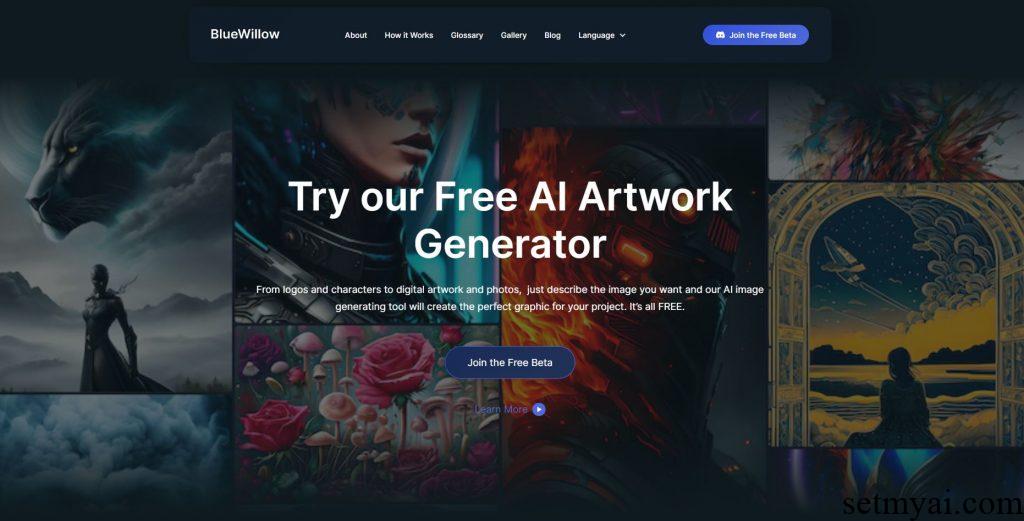
Let’s test BlueWillow. Click on Join the Free Beta on the homepage to start registering an account.
At present, BlueWillow is used on the Discard platform. Users need to provide a Discard account, and then enter the home screen:
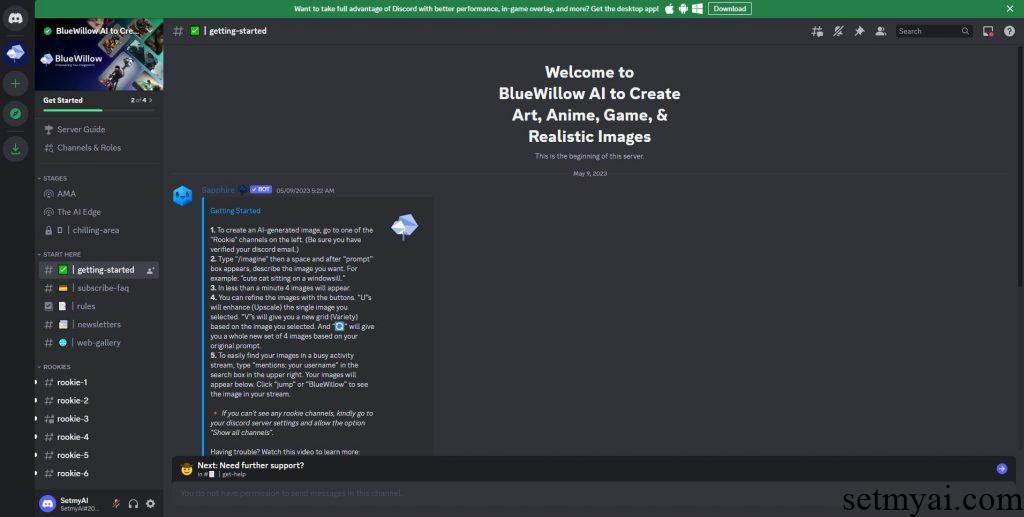
According to the prompts in the interface, we select a Rookie on the left. There are other users using BlueWillow in the Rookie, and we enter /imagine below. The system will pop up the location for inputting Prompts, and we type a man using computer.

The system prompts that the image is being generated.

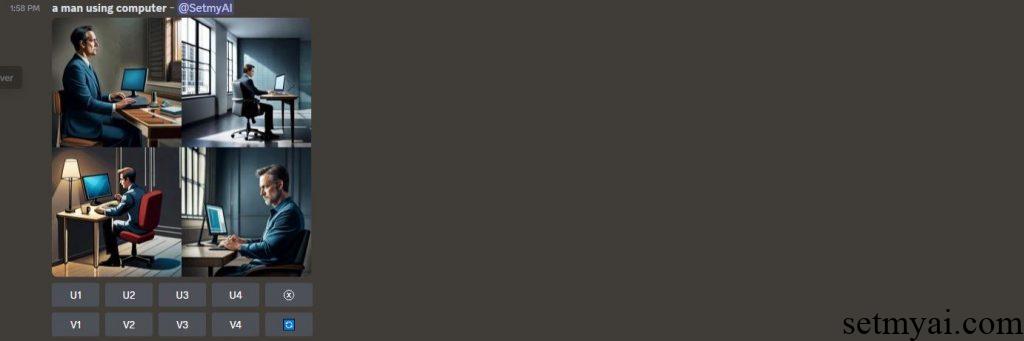
Subsequently, BlueWillow generated four related images, and the operations to change the images are provided below. The overall time does not exceed 1 minute. We continue to try entering /imagine and type a man talking to a robot. The image generated by BlueWillow is as follows:
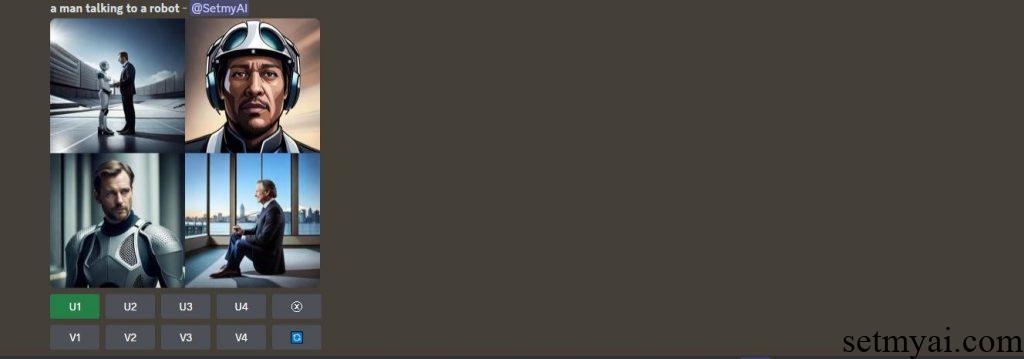
Due to the large number of users used by BlueWillow, when searching for generated images, we can filter by entering our own user’s name in the upper right corner.
Summary
BlueWillow is very simple to use. Currently it is available for free. When we test it, over 80000 users were online simultaneously, which indicates that it is popular.
Website: